Digital Calendar Tips for Effective Time Management How to Get Started?
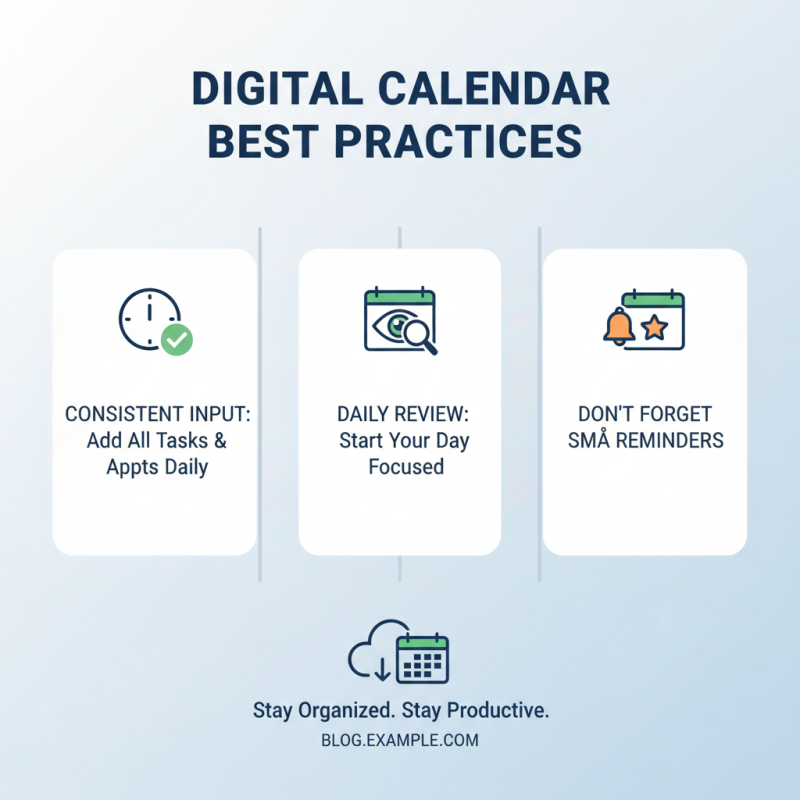
In today's fast-paced world, effective time management is crucial. A Digital Calendar can be a game-changer in our busy lives. It helps us organize tasks, schedule appointments, and set reminders. Many struggle to consistently use it. This could lead to chaos in daily routines.
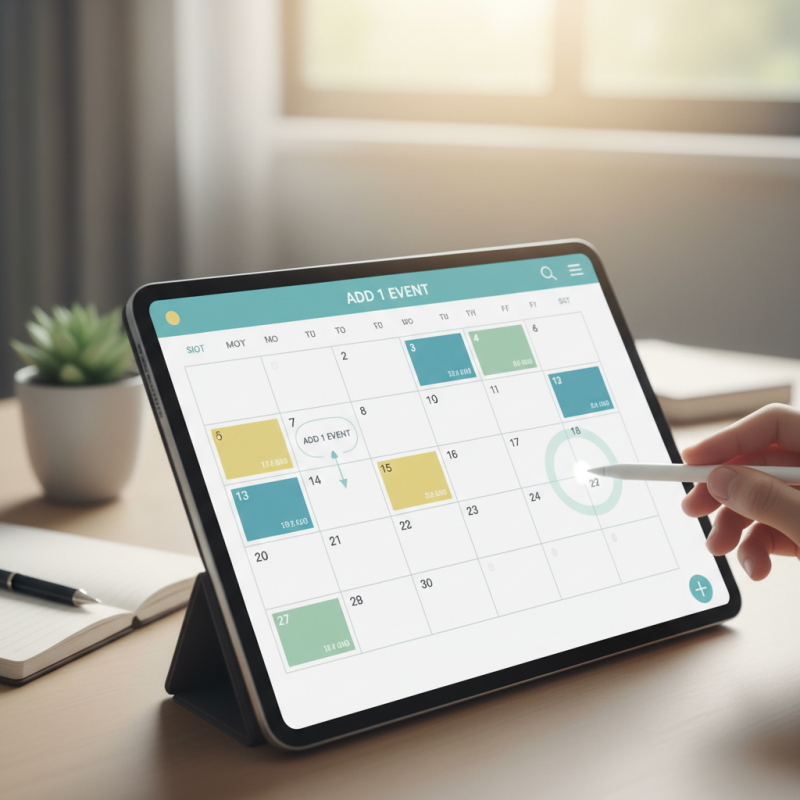
Starting with a Digital Calendar may feel overwhelming. It’s packed with features that many don’t utilize. However, even small steps can lead to improvement. For example, try adding just one event today. The key is to find what works for you.
Some may find it hard to stick to a routine. There might be days when you forget to update your calendar. Recognizing these gaps can help in making adjustments. Ultimately, the goal is to enhance your productivity and reduce stress. Embrace the journey of mastering your Digital Calendar, one step at a time.
Understanding the Importance of Digital Calendars in Time Management
Digital calendars play a vital role in effective time management. They help organize tasks, appointments, and reminders in one accessible location. This convenience reduces the stress of forgetting important deadlines. When you can visualize your day, it becomes easier to allocate time wisely and prioritize tasks. Clarity is essential in managing one's schedule.
However, many struggle with the digital transition. Some find it hard to break old habits of pen and paper. Not all features of digital calendars are intuitive either. Setting up recurring events or color-coding tasks can sometimes feel overwhelming. It’s easy to overlook these tools that could enhance productivity.
Engaging with a digital calendar regularly nurtures a proactive approach to time management. Yet, people often underestimate the time needed for this adjustment. Making small changes can lead to significant improvements. Consistency, along with patience, is key. Embracing digital calendars opens up new possibilities for effective organization.
Key Features of Digital Calendars for Optimizing Productivity
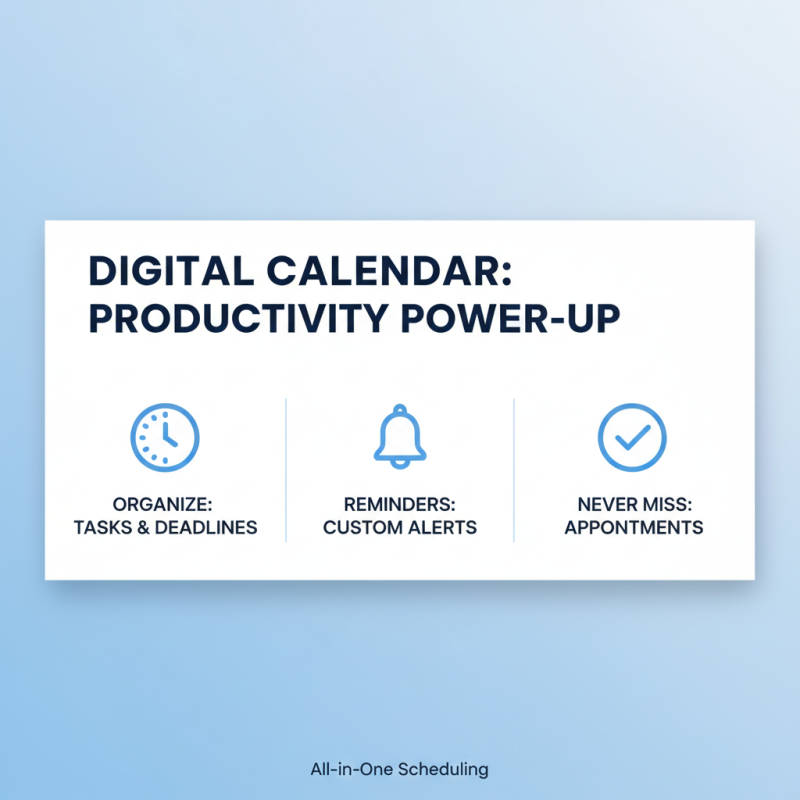
Digital calendars can significantly boost productivity. They help organize tasks, meetings, and deadlines in one place. A central feature is the ability to set reminders. These alerts can be customized for different tasks. It's easy to miss an appointment. Timely reminders ensure nothing slips through the cracks.
Another key feature is color-coding events. Assigning colors to tasks helps prioritize effectively. For example, urgent tasks can be marked in red. This visual organization simplifies daily planning. However, too many colors may confuse rather than help. Finding a balance is essential.
Syncing across devices is a must-have feature. Accessing your calendar from a phone or computer keeps you updated. It reduces the chances of overbooking. Still, reliance on technology can lead to issues. If the device fails, important dates can be lost. Regular backups are essential for any digital system.
Step-by-Step Guide to Setting Up Your Digital Calendar Effectively
Setting up your digital calendar effectively can transform your time management skills. Studies show that 43% of highly productive individuals use digital calendars. They help break down tasks, manage deadlines, and reduce time wastage. However, many struggle at the onset, leading to chaotic schedules and increased stress.
Start by choosing a platform that aligns with your needs. Consider options that sync with your devices. Configure your calendar with color codes. Different colors can represent work, personal tasks, or appointments. This visual aid can make your schedule easier to digest.
Tip: Set reminders for tasks and events. Reminders can help reinforce your commitment. Another point to ponder is decluttering your calendar. Regularly review and remove outdated or unessential events.
Lastly, block off time for productive work sessions. This intentional scheduling can enhance focus and minimize distractions. Many users forget to set aside periods for breaks. This oversight can hinder creativity and lead to burnout. Balance is crucial in time management.
Digital Calendar Usage by Feature
Integrating Digital Calendars with Other Productivity Tools
Integrating digital calendars with other productivity tools can dramatically enhance time management. In a recent study, 70% of professionals reported increased efficiency after using a digital calendar in conjunction with task management apps. These integrations help streamline workflows, ensuring that no important deadlines fall through the cracks.
When connecting your calendar with a task management tool, consider setting reminders for important tasks. Utilize color codes for different types of activities. This can provide a clear visual distinction. For example, meetings could be in blue, while personal tasks can be in green. This method simplifies prioritization.
However, it’s crucial to reflect on tech overload. Too many notifications can lead to distractions. In fact, research shows that multitasking can reduce productivity by up to 40%. So, be selective with your integrations. Choose tools that genuinely enhance your process. Too often, professionals overlook this, leading to confusion and frustration. Remember to regularly review your setup and adjust as needed. Be mindful of what truly works for you.